Advanced 📚
Getting Started 👋
Code Interpreter
Code Interpreter allows Alice to use the Python programming language to create and modify files or to support reasoning for tasks such as calculations and text processing.
You can enable the Code Interpreter in the assistant settings or by using the button in the prompt input. Once enabled, you can ask Alice to modify files or simply use the code to perform tasks for you.
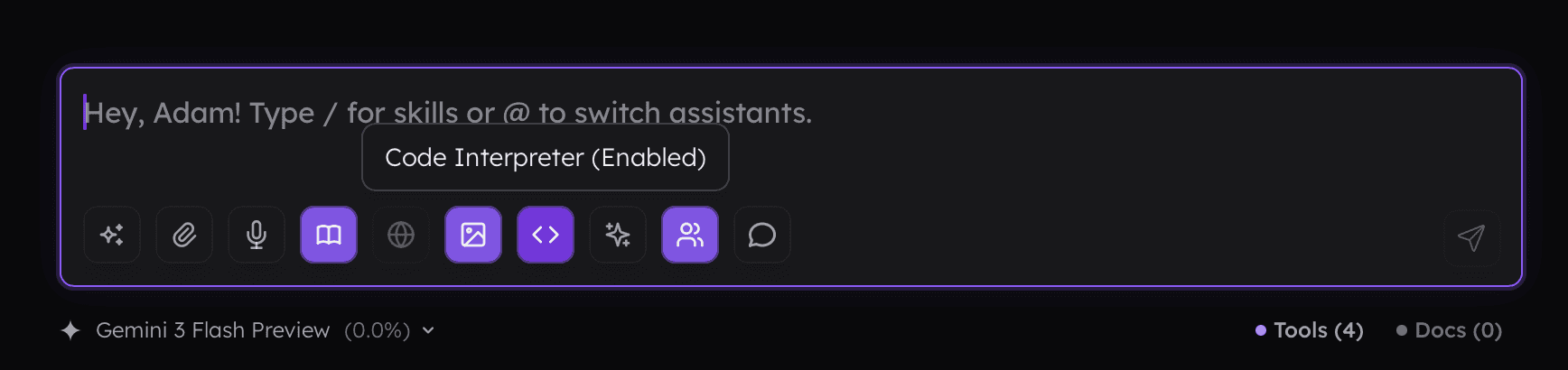
When the Interpreter is on, all files you drop into the prompt will be available to it. Below is an example where I requested file optimization and achieved an 88% reduction through compression without changing the image size or visible quality.

Getting Started 👋
Code Interpreter
Code Interpreter allows Alice to use the Python programming language to create and modify files or to support reasoning for tasks such as calculations and text processing.
You can enable the Code Interpreter in the assistant settings or by using the button in the prompt input. Once enabled, you can ask Alice to modify files or simply use the code to perform tasks for you.
When the Interpreter is on, all files you drop into the prompt will be available to it. Below is an example where I requested file optimization and achieved an 88% reduction through compression without changing the image size or visible quality.