Advanced 📚
Getting Started 👋
Artifacts
Artifacts is a built-in option within Alice for generating interactive blocks using HTML and JavaScript. Artifacts can be used to present data or create a simple interface for you to interact with.
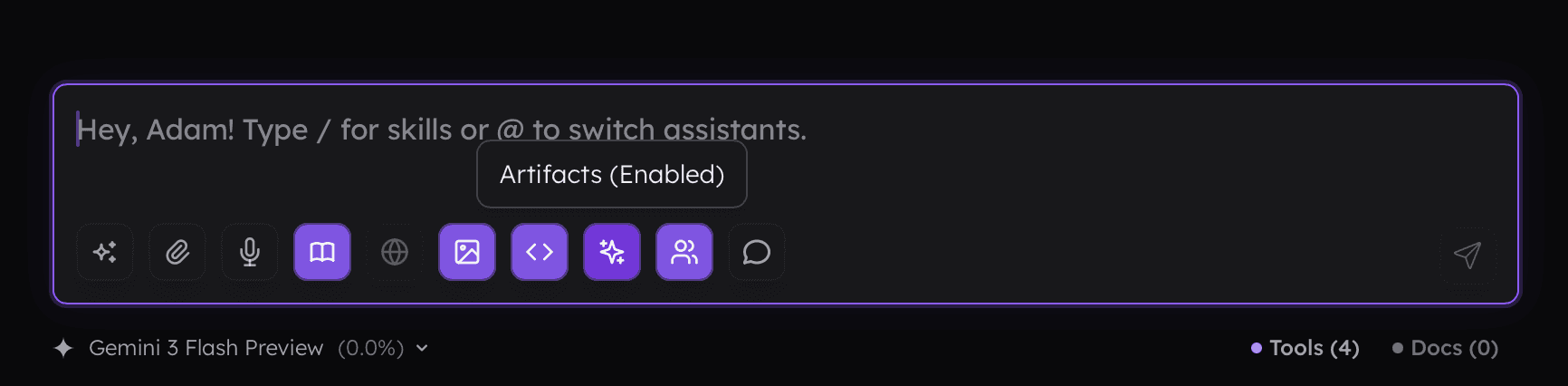
You can enable artifacts for the assistant in the settings or by using the sparkle button in the prompt input.
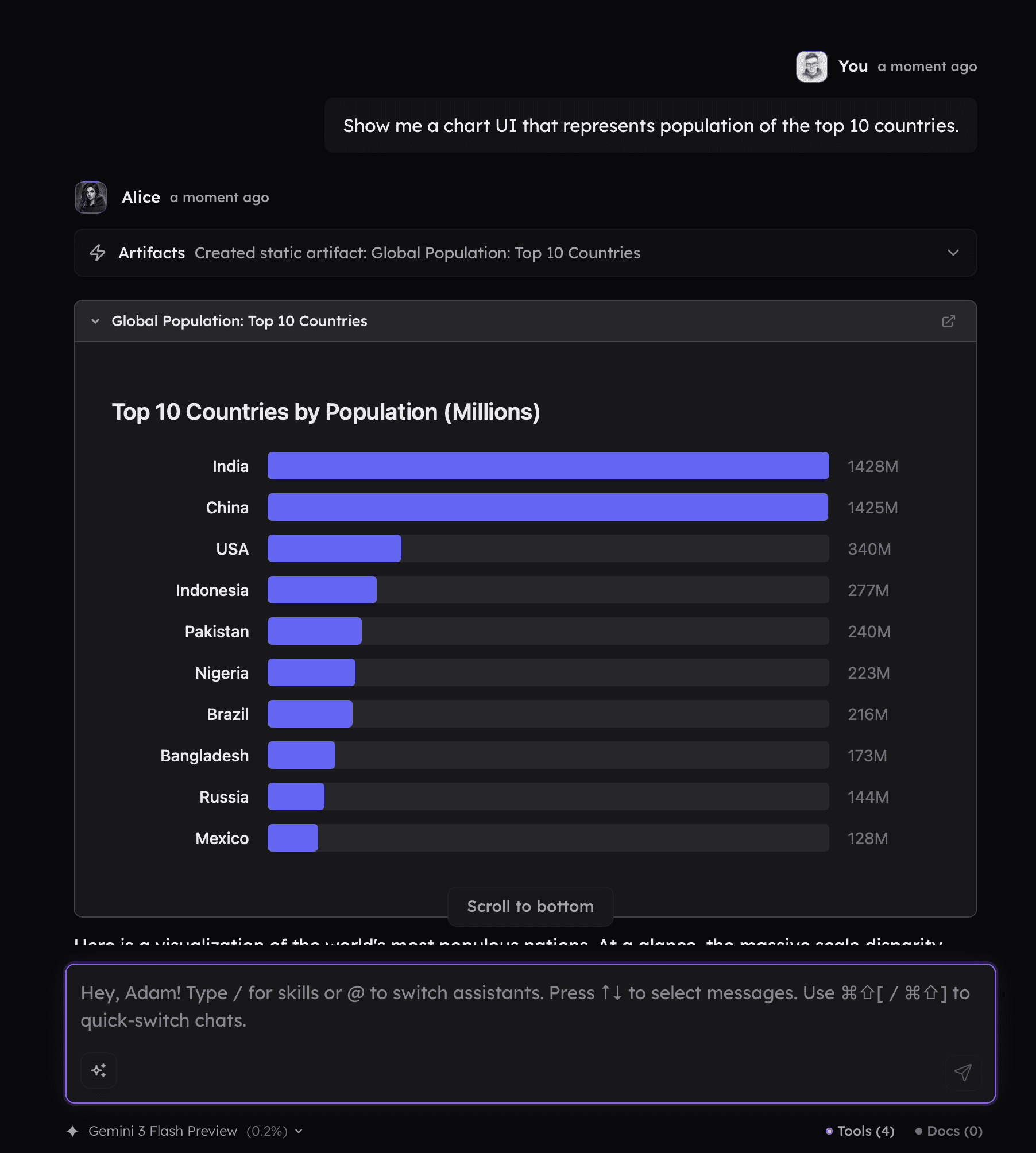
When enabled, you can ask the assistant to generate, for example, a visualization of the data in your documents, the ongoing conversation, or any other source the model has access to.
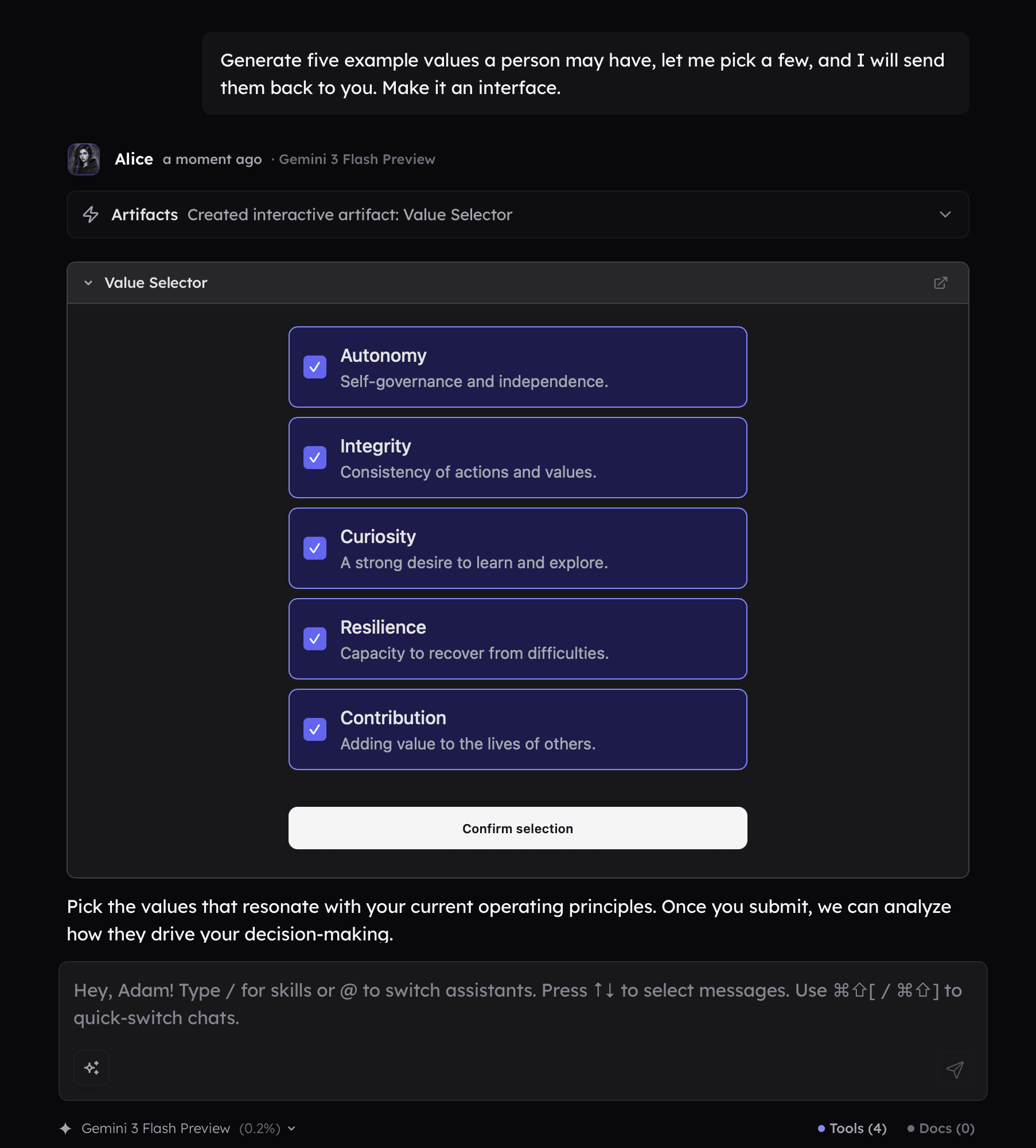
Artifacts can also be used in a way that allows data from the interface to be passed back to the assistant. If you want it to work this way, simply ask the agent about it. The generated interface will include a button that lets you send the information back to the chat.
Getting Started 👋
Artifacts
Artifacts is a built-in option within Alice for generating interactive blocks using HTML and JavaScript. Artifacts can be used to present data or create a simple interface for you to interact with.
You can enable artifacts for the assistant in the settings or by using the sparkle button in the prompt input.
When enabled, you can ask the assistant to generate, for example, a visualization of the data in your documents, the ongoing conversation, or any other source the model has access to.
Artifacts can also be used in a way that allows data from the interface to be passed back to the assistant. If you want it to work this way, simply ask the agent about it. The generated interface will include a button that lets you send the information back to the chat.